Science / Grades 1-2
Programming basics: one step at a time
Learning goal: Read a tiny drawing program, predict the result, and fix a missing instruction.
Before you start: Follow first, next and last in a short set of picture instructions.
Read or print this lesson What to practice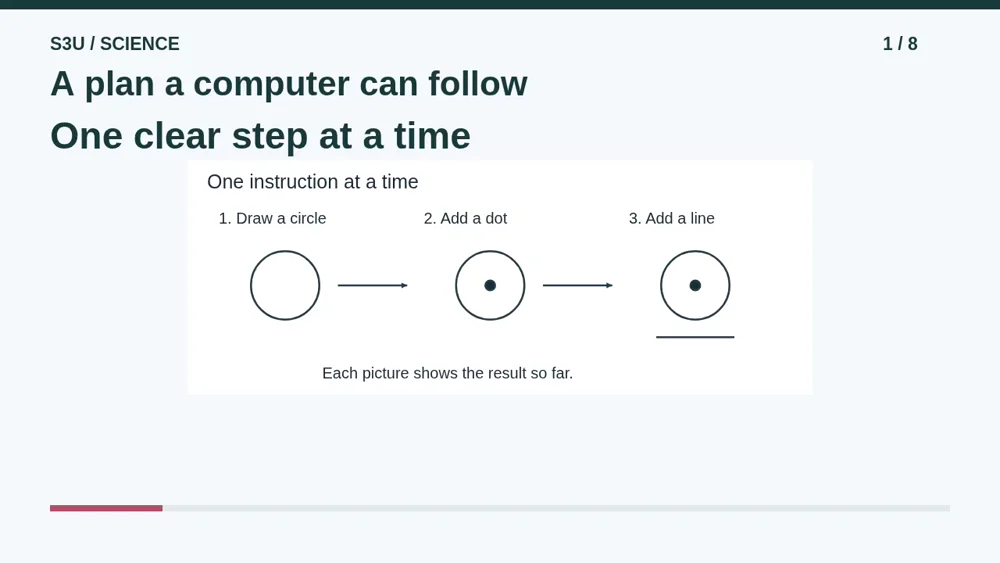
Audio and video share one lesson record. Keep this page open while listening.
Download audio Downloads do not save lesson progress.
The audio could not load. The transcript is still available below.
Next: your worksheet
Programming Basics: Read a Tiny Program
Checking sign-in...
Read the transcript
Saved reading place
Audio transcript and practice. Reading or printing does not count as playback time or an assessed grade.
1. A plan a computer can follow
Audio: 0:00
A program is a set of instructions a computer can follow. Today our program is a drawing plan. We will use simple words and pictures, not a complicated screen full of code. You can draw, point, or explain the steps out loud.
2. Start with nothing drawn
Audio: 0:19
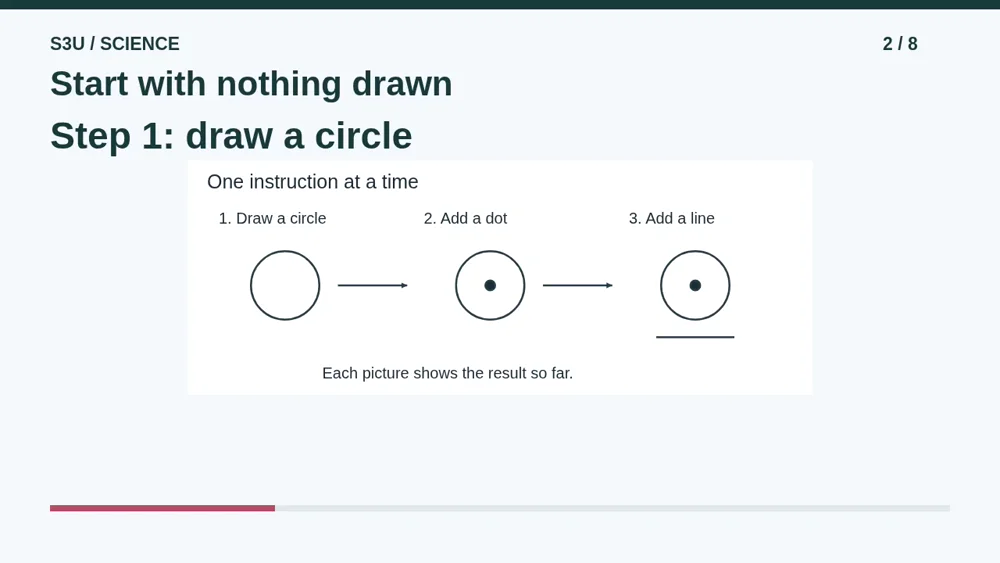
Imagine a blank page. The first instruction says draw a circle. Follow only that instruction for now. Our first picture shows the result: one circle. There is no dot yet and no line yet. Those instructions have not happened.
3. Add the next part
Audio: 0:40
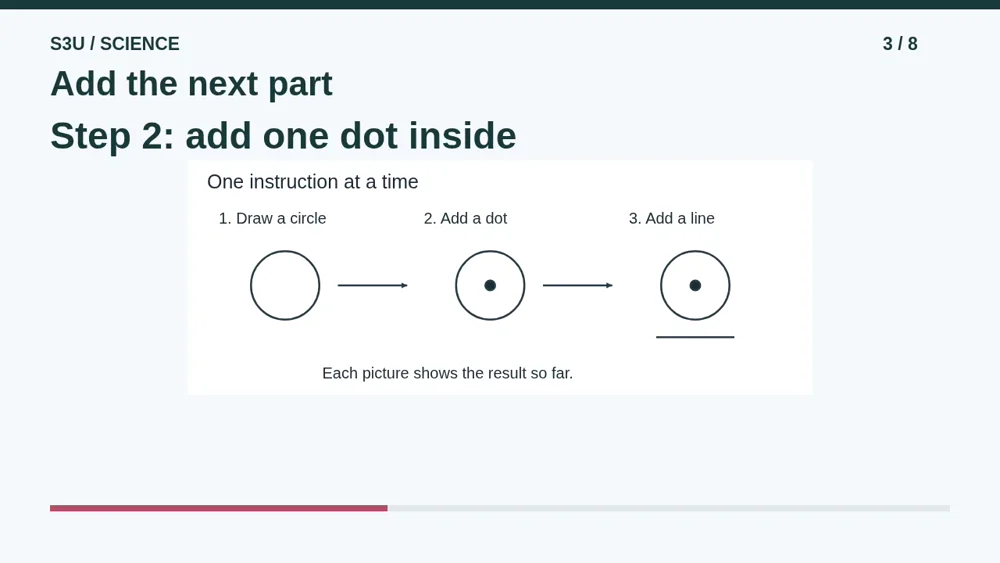
The second instruction says add one dot inside the circle. Now the drawing contains both the circle and the dot. We keep the work from the first step. Following a new instruction does not mean forgetting everything that already happened.
4. Finish the tiny program
Audio: 0:58
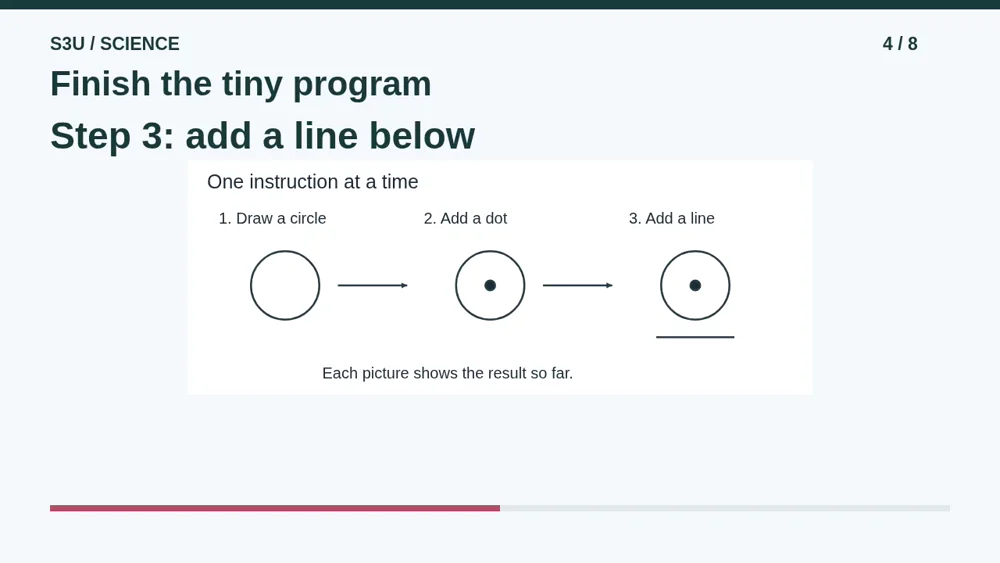
The third instruction adds a line below the circle. Now all three instructions are finished. The picture is simple, but the habit is powerful: read a step, do what it says, and check the result before moving on.
5. Pause and predict
Audio: 1:15
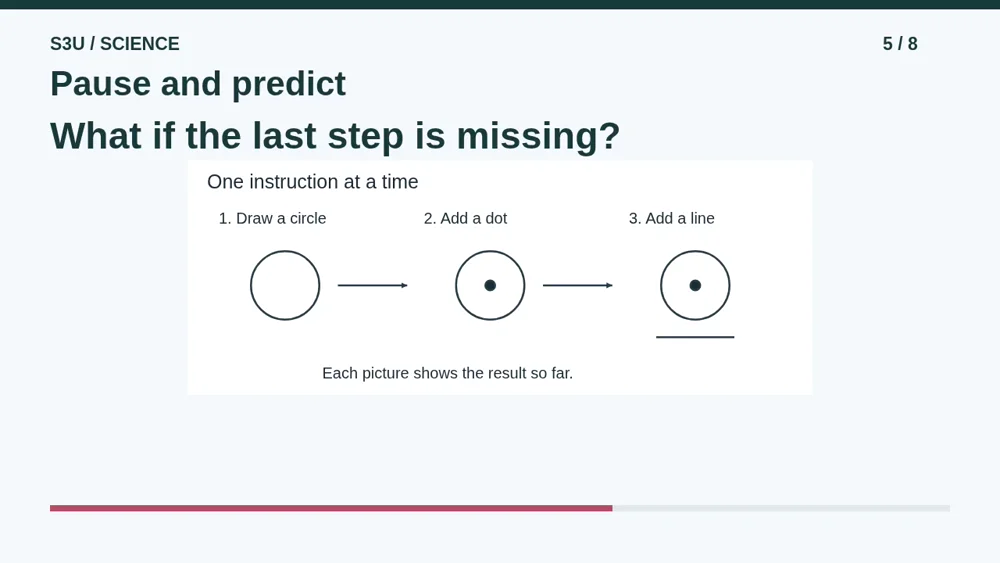
Imagine someone leaves out the third instruction. The first two instructions still happen in the same order. Pause and decide what the finished drawing would contain. Would the computer add the missing line because it guesses that you wanted one?
6. The missing line stays missing
Audio: 1:33
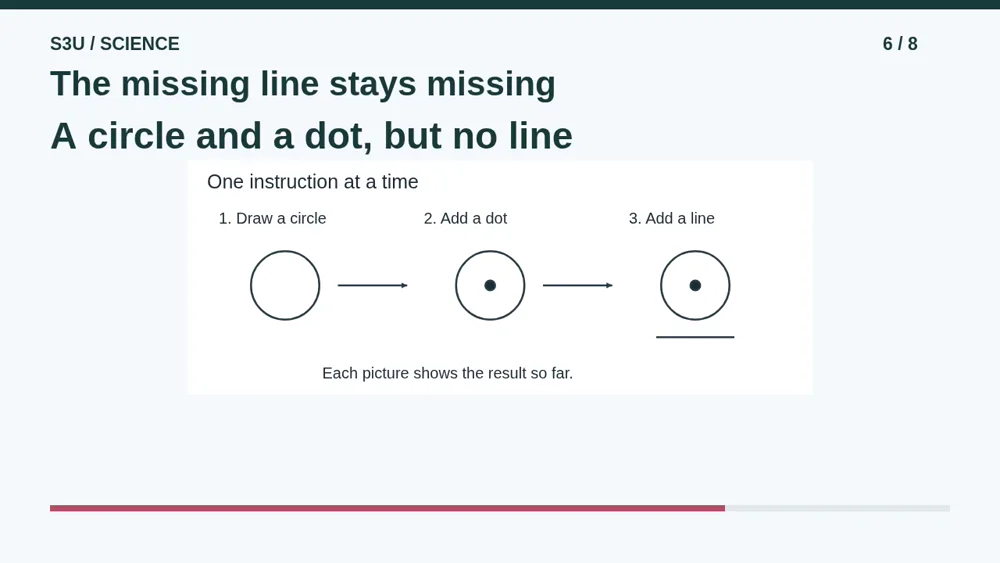
Only the circle and the dot would be drawn. The program never asked for the line. A computer is not a mind reader with a keyboard. To get that line, we need to include a clear instruction that tells it what to do.
7. You can learn away from a screen
Audio: 1:50
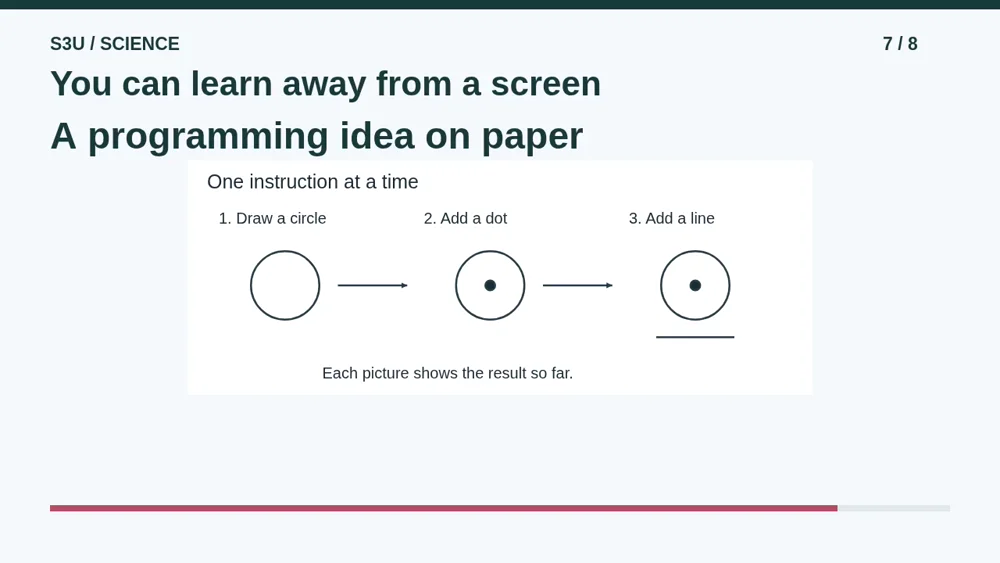
Fun fact: you can explore computer science with paper, cards, and puzzles, without running a computer program. Following a plan and checking its result are useful thinking skills. Our drawing plan is practice in those skills, not text you need to paste into software.
8. Make your thinking visible
Audio: 2:10
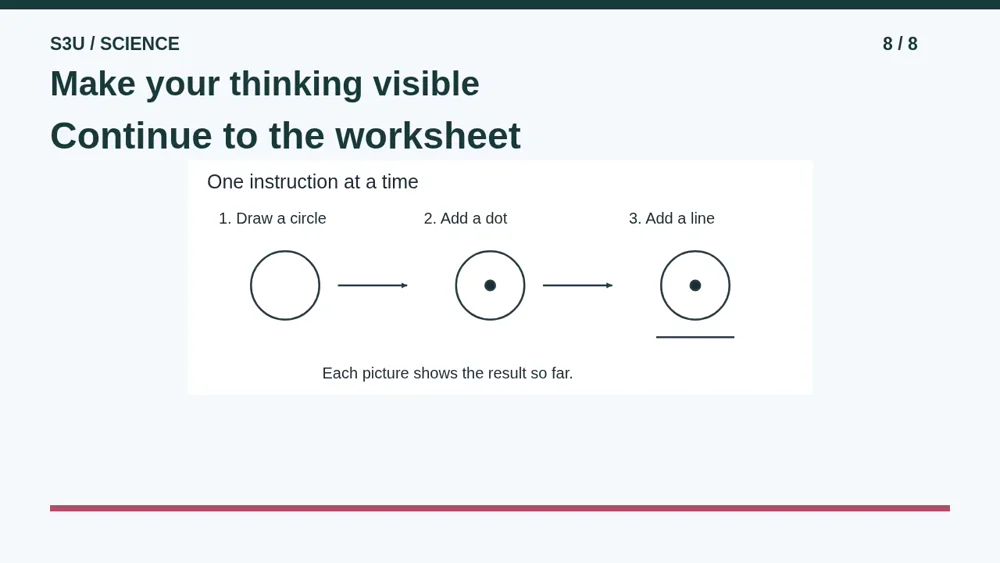
Now trace the three instructions once more. Say what is present after each step. You do not need a perfect circle to explain a good plan. Continue to the worksheet to check the order, find a missing step, and choose a precise instruction.
Show your understanding
You can point, explain aloud, draw or write.
- Carry out a tiny drawing program in its written order.
- Find a missing instruction and explain how adding it changes the drawing.
Try it yourself
Pause and trace the instructions before checking the answer.
Continue to the matching worksheet. These examples use teaching pseudocode, not code to paste into a computer.
Next: your worksheet
Programming Basics: Read a Tiny Programhttps://s3u.com/sc170
Lesson: https://s3u.com/listen/programming-steps