Science / Grade 9
Read release gates and recovery limits
Learning goal: Calculate test results, apply an all-pass policy and distinguish code rollback from restoring records.
Before you start: Add whole numbers, calculate a percentage and distinguish program code from stored records. Start with Ship a small change carefully if these release terms are new.
Read or print this lesson What to practice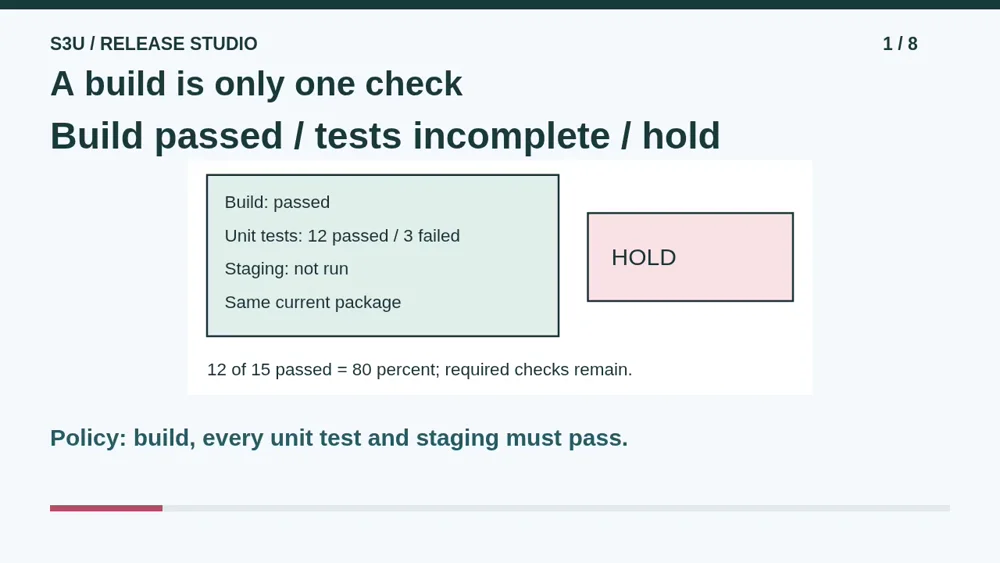
Audio and video share one lesson record. Keep this page open while listening.
Download audio Downloads do not save lesson progress.
The audio could not load. The transcript is still available below.
Next: your worksheet
Read a Release Gate
Checking sign-in...
Read the transcript
Saved reading place
Audio transcript and practice. Reading or printing does not count as playback time or an assessed grade.
1. A build is only one check
Audio: 0:00
A fictional team has built a package successfully. Is it ready to release? Its policy also requires every unit test and a staging smoke test to pass for that same package. Unit tests check selected small behaviors. A smoke test checks a few important paths in the staging environment. A successful build alone does not satisfy this policy.
2. Calculate, then read the policy
Audio: 0:28
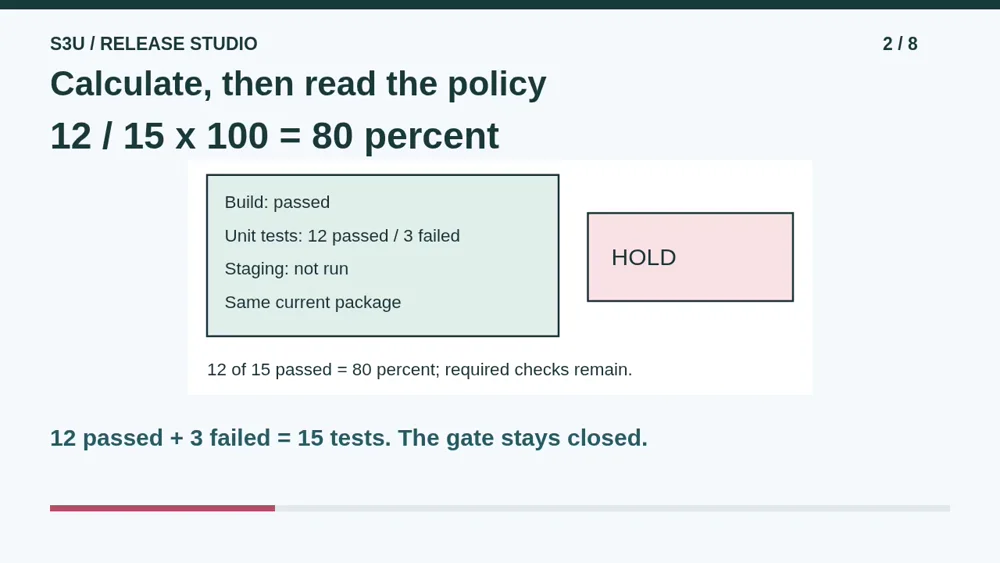
The report lists twelve passed tests and three failed tests. That is fifteen completed tests altogether. Twelve divided by fifteen, times one hundred, gives eighty percent passed. But this gate is not a majority vote. Three required tests failed, and the staging check has not run. A percentage summarizes results; it does not change the release policy.
3. The environment matters too
Audio: 0:57
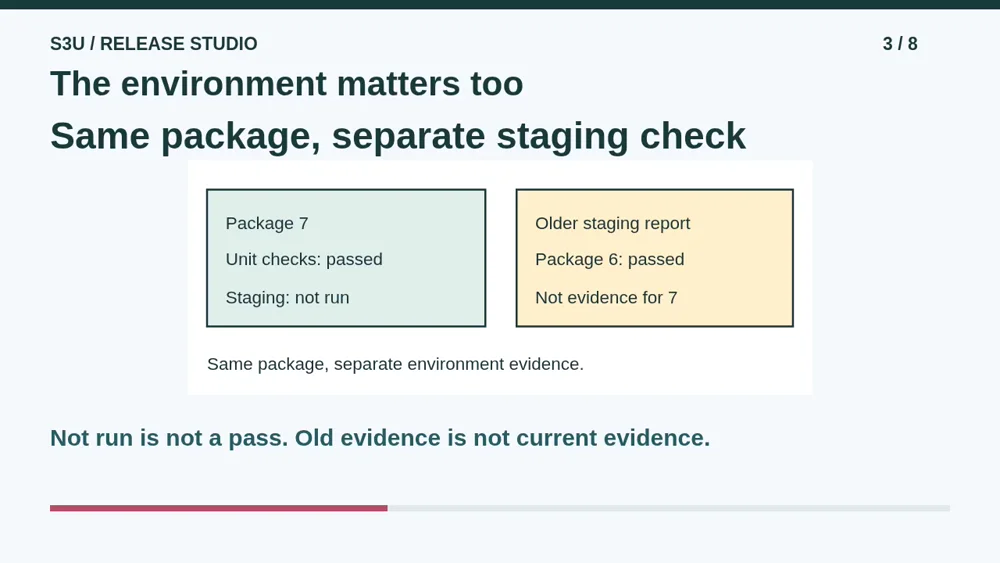
Staging is a separate environment used for checks before production. The correct package can still fail there because a required setting is missing. Check the selected paths in that environment and keep the package identity with the report. Passing results from an older package do not approve a newer one. Even all these checks cover only the cases they actually examine.
4. Code and data are different
Audio: 1:25
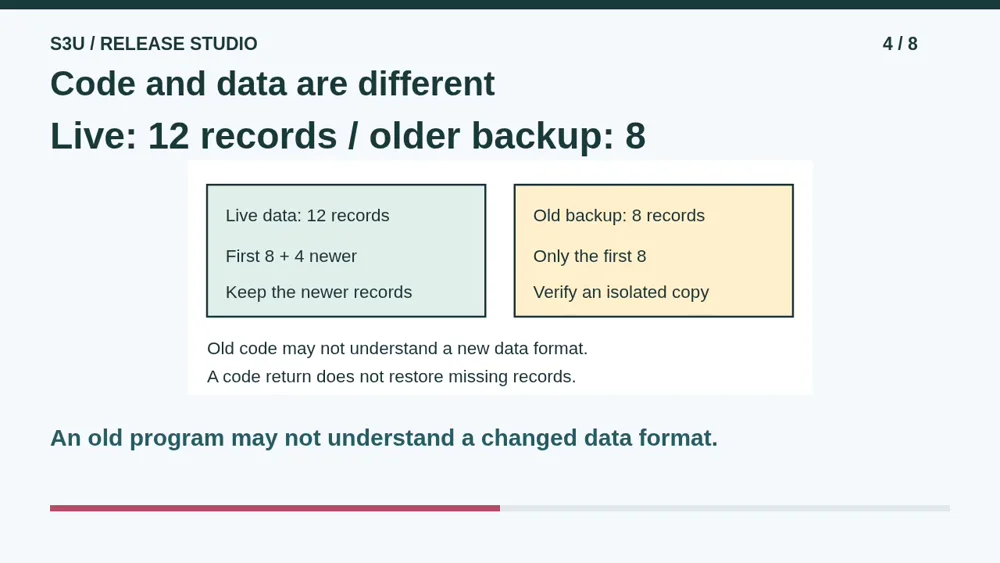
Rollback means returning to an earlier version, but returning the program does not automatically undo database changes. Old code may not understand a new data format. In our separate backup example, Live has twelve records and an older backup has only the first eight. Replacing Live with that copy would lose four newer records. Rehearse recovery on an isolated copy; do not overwrite a real system.
5. Pause: inspect a new release
Audio: 1:57
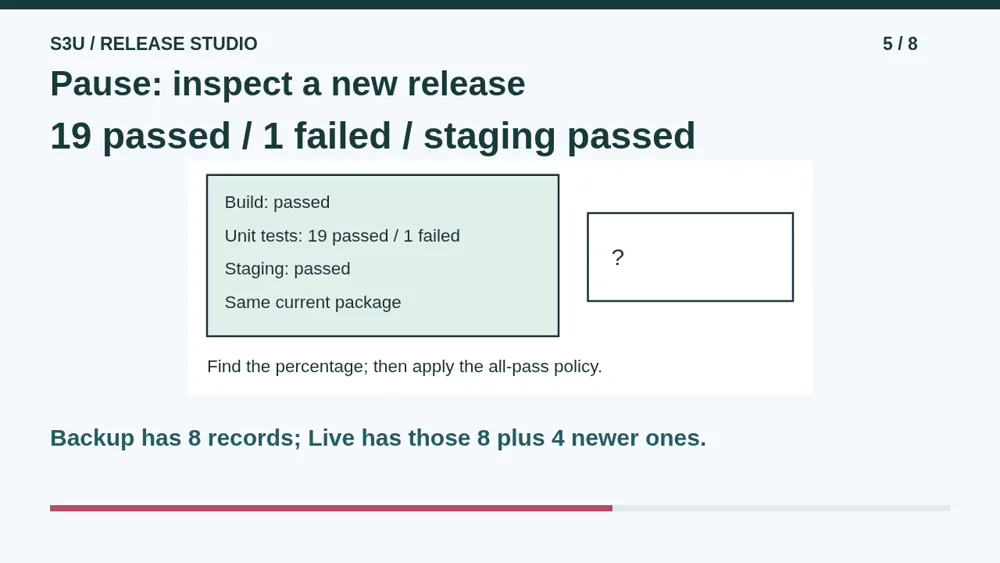
Try a new report for one current package. Build passed, nineteen unit tests passed, one failed, and staging passed. The policy still requires every check to pass. Pause and find the unit-test pass percentage, then decide whether the gate opens. Also explain what happens if the twelve Live records are replaced by an older copy containing only the first eight.
6. Check the gate and the recovery risk
Audio: 2:25
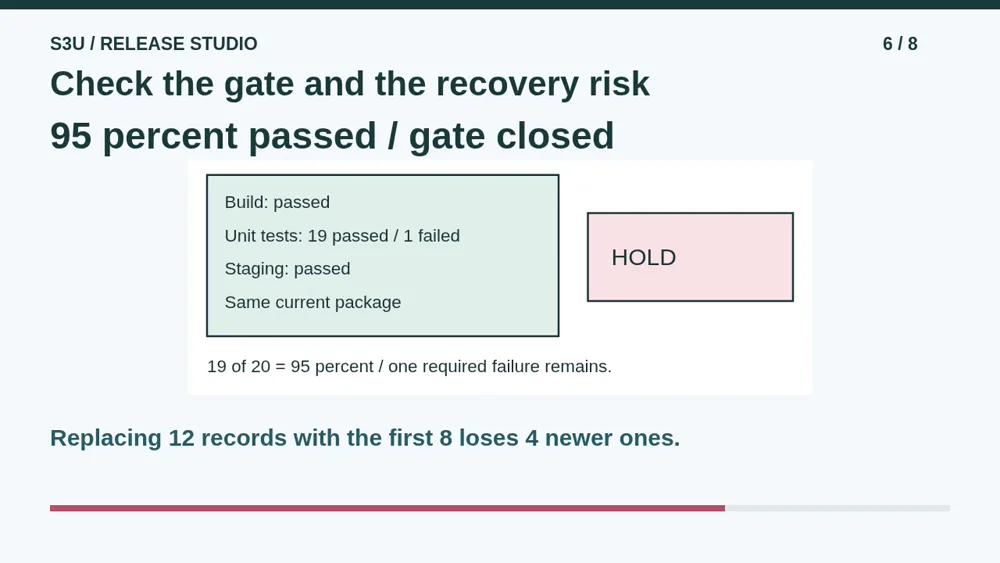
Nineteen plus one is twenty. Nineteen out of twenty is ninety-five percent, but the failed required test keeps the gate closed. Fix and retest before release under this policy. Replacing twelve records with the first eight would discard four newer records. A high test percentage is not permission to release, and having a backup is not proof of a safe recovery.
7. A browser package is not a safe for secrets
Audio: 2:53
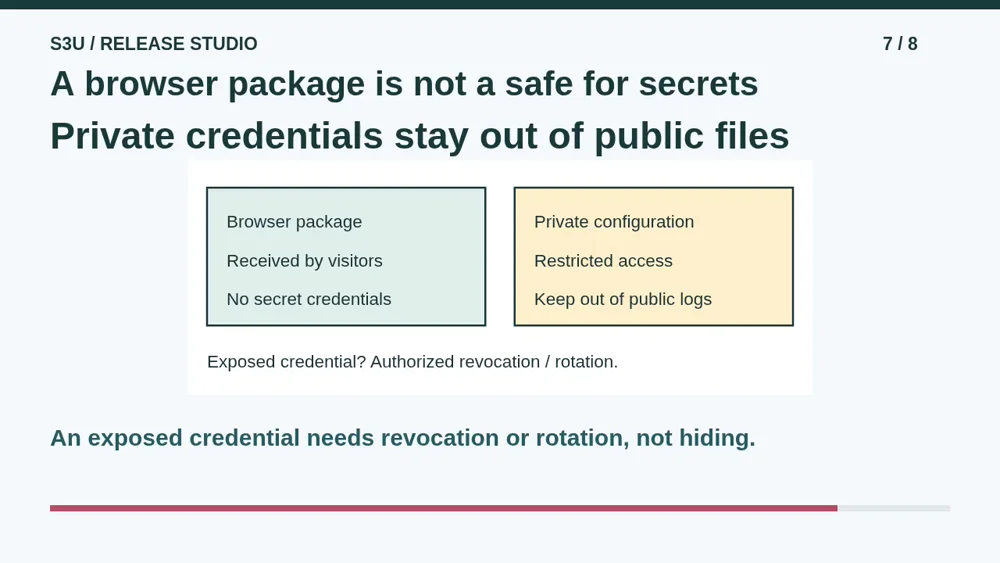
Fun fact: a browser has to receive the code it runs, so putting a secret credential inside that code cannot make the credential private. Keep secrets in appropriately protected configuration, out of public files and logs. If a real credential was exposed, simply deleting its text is not enough; an authorized operator must revoke or rotate it. We use no real keys here.
8. Explain the release decision
Audio: 3:22
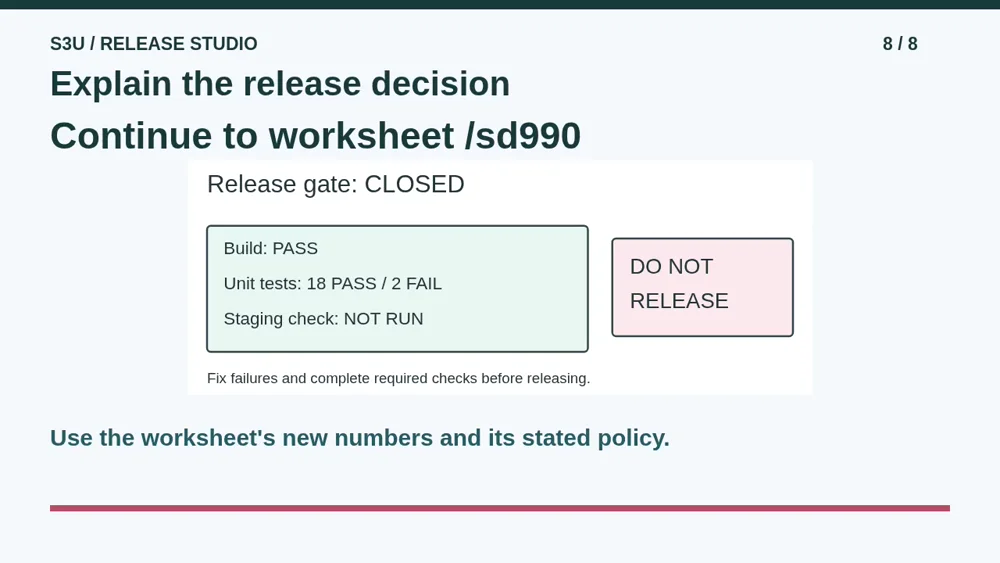
Continue to the worksheet for a different report: eighteen passed unit tests, two failed, and staging not run. Recalculate from those numbers and explain the release decision. Keep the code-compatibility question separate from restoring records. You can then try the pretend recovery missions in Release Lab. These are paper and browser simulations, not permission to deploy or recover a real service.
Show your understanding
You can point, explain aloud, draw or write.
- Calculate a test pass percentage and apply the stated all-pass gate to the current package and environment.
- Explain why returning code does not automatically reverse data changes, and identify the newer records missing from an older backup.
Try it yourself
Pause at 19 passes and 1 failure. Calculate the percentage without replacing the stated all-pass policy with a majority vote.
Continue to the worksheet and use its different numbers. Explain data compatibility and newer-record loss separately; use only the pretend Release Lab activity.
Next: your worksheet
Read a Release Gatehttps://s3u.com/sd990
Lesson: https://s3u.com/listen/release-gates-and-recovery