Science / Grades 3-5
Programming basics: follow a changing value
Learning goal: Trace assignments and keep the current value of a named variable separate from displayed output.
Before you start: Read short instructions in order and add small whole numbers.
Read or print this lesson What to practice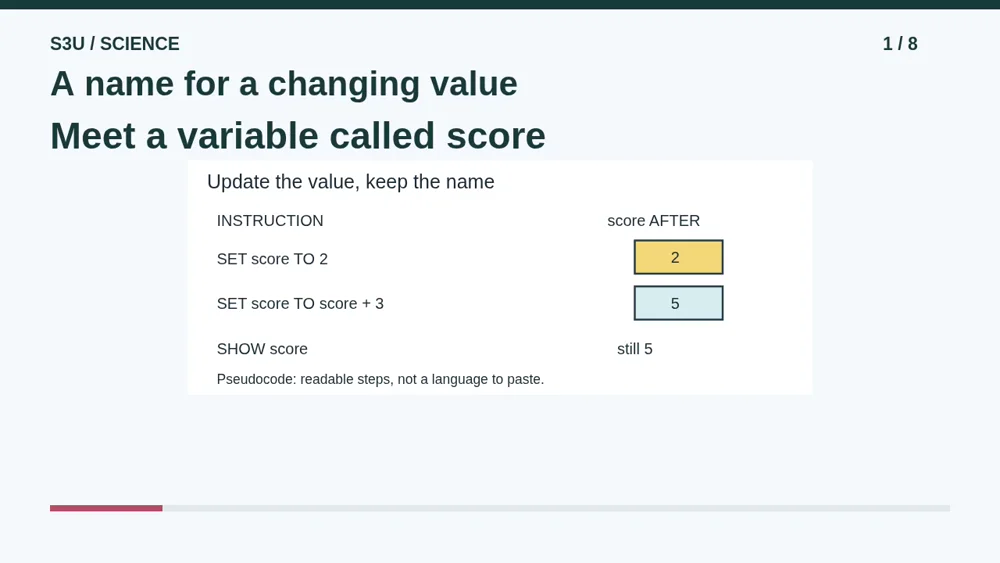
Audio and video share one lesson record. Keep this page open while listening.
Download audio Downloads do not save lesson progress.
The audio could not load. The transcript is still available below.
Next: your worksheet
Programming Basics: Track a Variable
Checking sign-in...
Read the transcript
Saved reading place
Audio transcript and practice. Reading or printing does not count as playback time or an assessed grade.
1. A name for a changing value
Audio: 0:00
A program often needs to remember a value, such as a score. A variable gives that value a name we can use. Today we will track a variable called score. The name stays the same while its value can change.
2. Read our teaching notation
Audio: 0:17
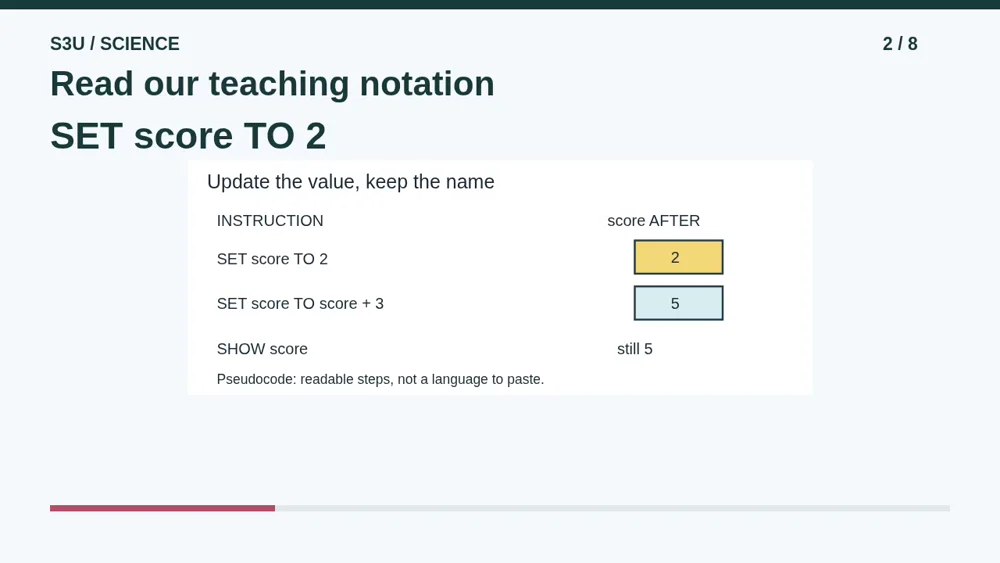
Our examples use pseudocode: readable instructions for explaining an idea, not one particular programming language. The first instruction says set score to two. Record two in the trace. We have given the name score a starting value we can use next.
3. Read before replacing
Audio: 0:37
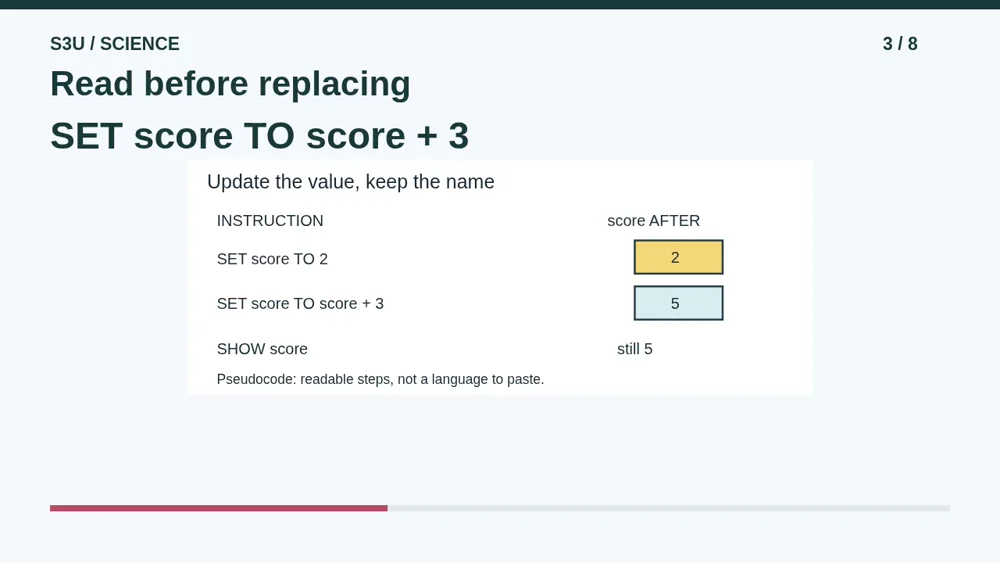
The next instruction says set score to score plus three. First read the old value, two. Add three to get five. Then replace the old value with five. Assignment is an update, not a claim that two and five are the same number.
4. Display is not an update
Audio: 0:56
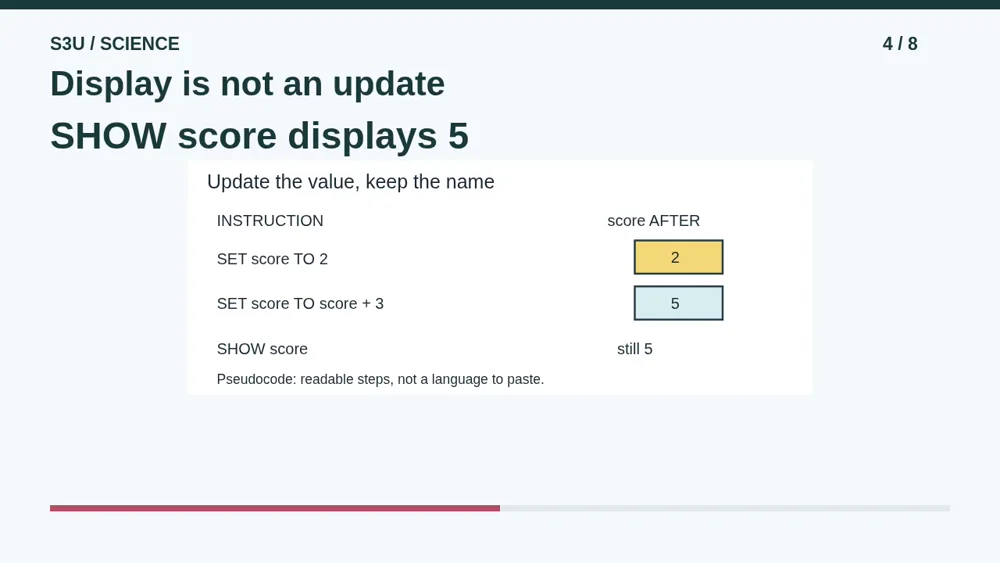
Now the instruction says show score. It displays the current value, five. In our pseudocode, showing the value does not add a point, erase the score, or change it in any other way. The scoreboard does not charge a point for looking.
5. Pause for a replacement
Audio: 1:14
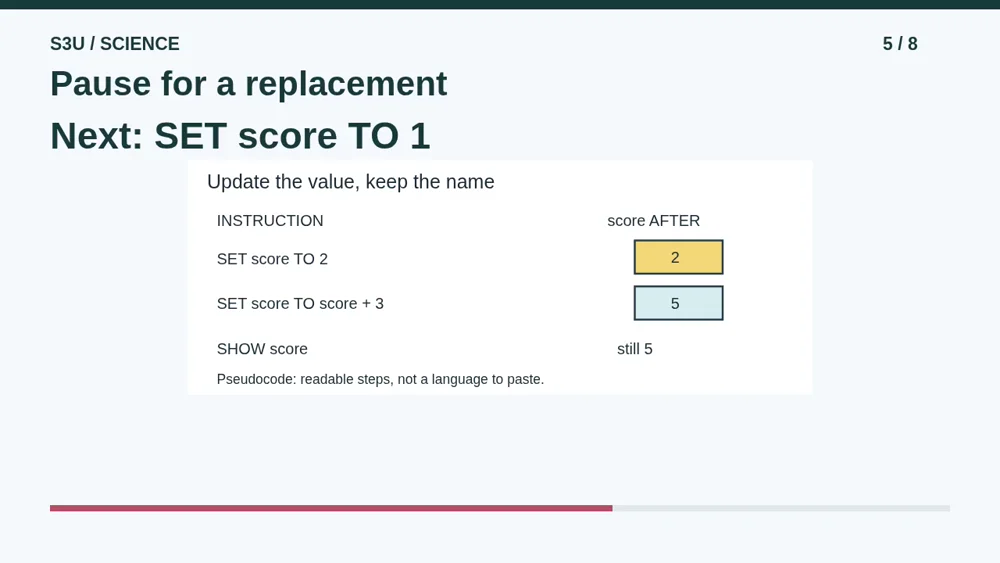
Suppose we add one more instruction: set score to one. Pause and predict the new value. Is it one, five, or six? Look carefully at the instruction. It does not say score plus one. It simply supplies a replacement value.
6. A new value takes the place
Audio: 1:34
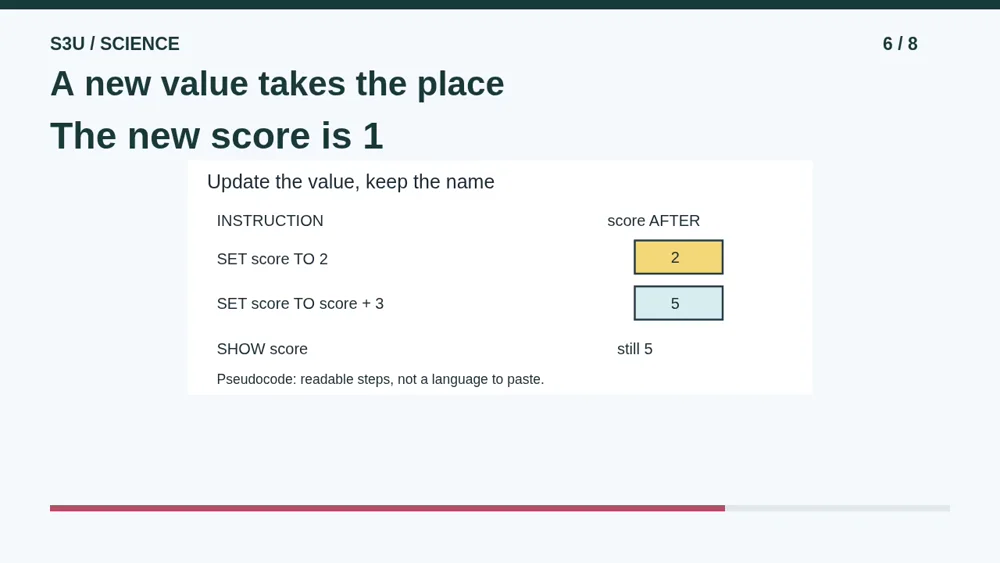
The new value is one. The previous five has been replaced. To increase five by one, the instruction would need to say set score to score plus one. A small difference in the written instruction can make a big difference in the result.
7. Digits can also be text
Audio: 1:52
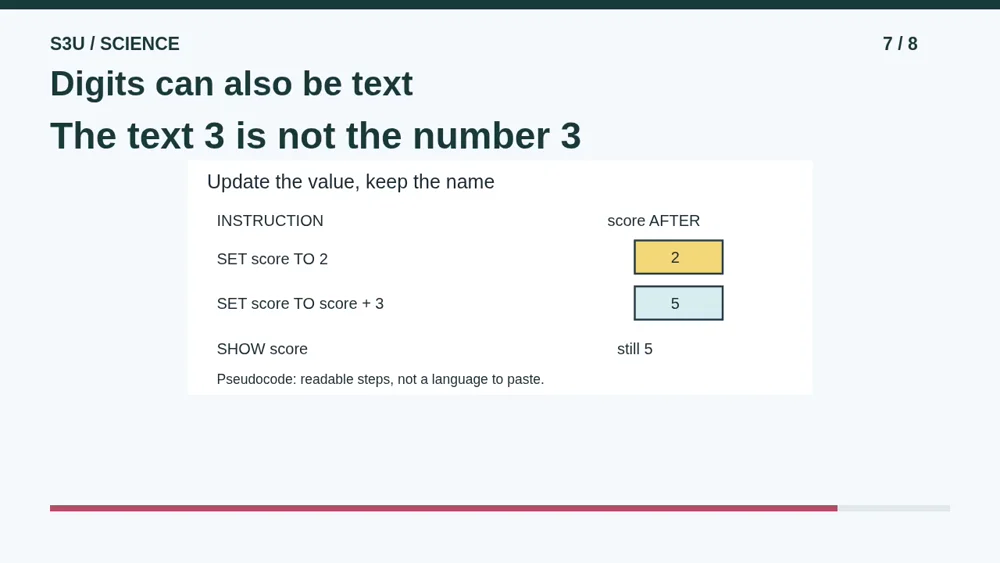
Fun fact: a digit can be stored as text rather than as a number. A program may need to handle those types differently. The label on a jersey looks numeric, but you do not add jersey labels to find a player's name. Always check what a value represents.
8. Keep a short trace
Audio: 2:12
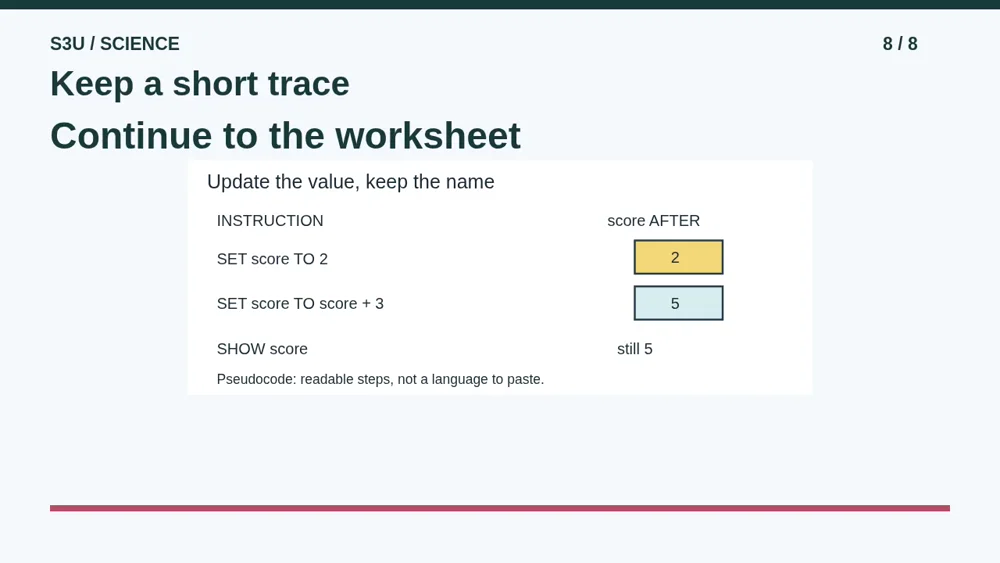
A trace records the value after each instruction, so you do not have to keep every change in your head. Continue to the worksheet and follow score through its updates. Explain which instructions replace a value and which one only displays it.
Show your understanding
You can point, explain aloud, draw or write.
- Track the current value after each assignment to a named variable.
- Distinguish changing a stored value from displaying an output.
Try it yourself
Pause and trace the instructions before checking the answer.
Continue to the matching worksheet. These examples use teaching pseudocode, not code to paste into a computer.
Next: your worksheet
Programming Basics: Track a Variablehttps://s3u.com/sc370
Lesson: https://s3u.com/listen/programming-variables