Science / Grade 6
Account safety: pause and check
Learning goal: Practice responding to unexpected messages and distinguish unique passwords, extra sign-in checks and recovery.
Before you start: Distinguish a password, a sign-in code and a message asking for information. Never use your real secrets in practice.
Read or print this lesson What to practice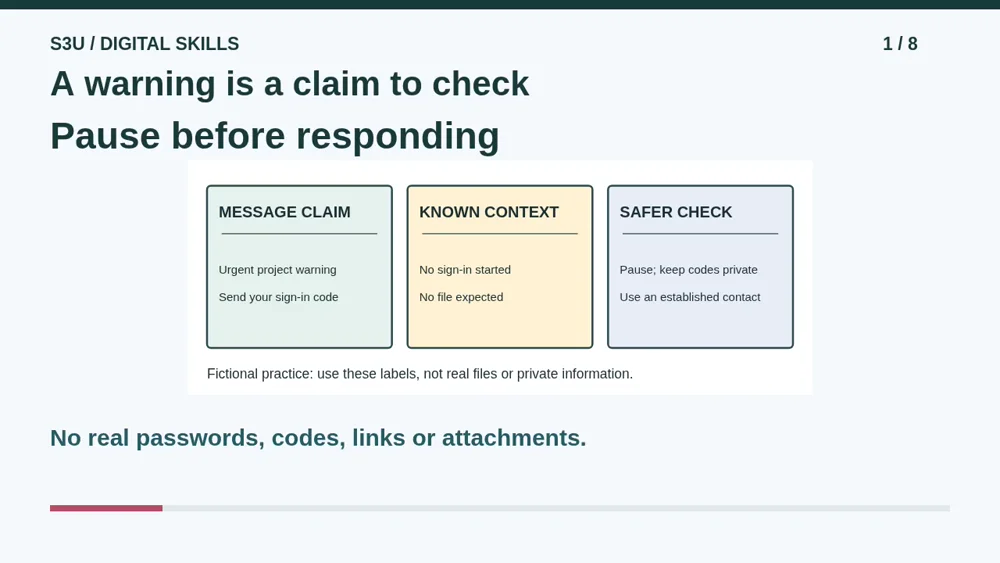
Audio and video share one lesson record. Keep this page open while listening.
Download audio Downloads do not save lesson progress.
The audio could not load. The transcript is still available below.
Next: your worksheet
Pause and Check an Unexpected Message
Checking sign-in...
Read the transcript
Saved reading place
Audio transcript and practice. Reading or printing does not count as playback time or an assessed grade.
1. A warning is a claim to check
Audio: 0:00
An unexpected message says your project will disappear unless you send a sign-in code. It uses a familiar display name and sounds urgent. That is a claim, not proof. We will practice choosing a safer next step using an invented message. There is no real link, attachment or code to try.
2. Choose a route you already trust
Audio: 0:24
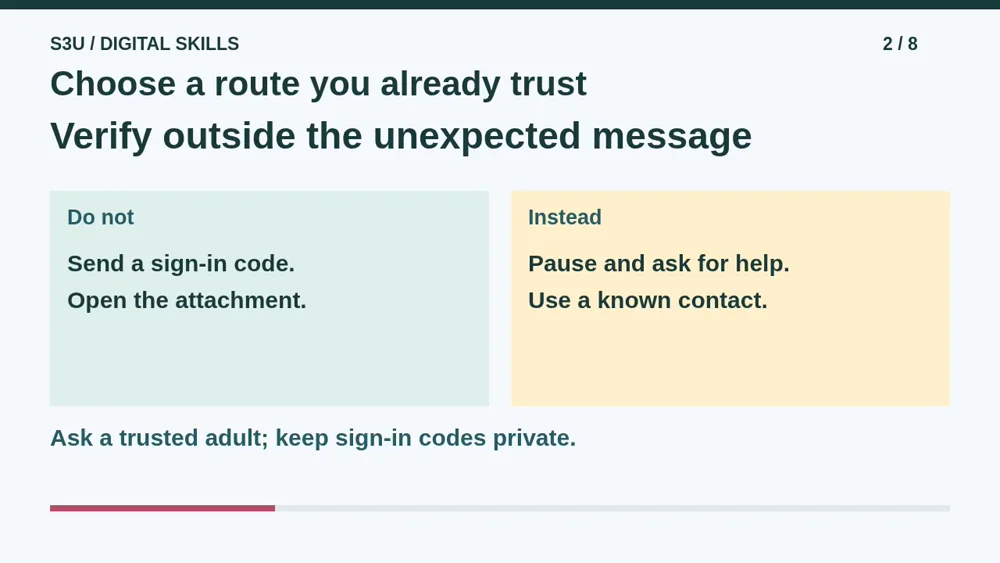
Do not send the code or open the unexpected attachment to investigate it. Ask a trusted adult and check through an established contact or the official app you already know. A familiar display name can be copied. Good spelling and a polished design do not turn an unexpected request into a trustworthy one.
3. Avoid reusing the same password
Audio: 0:48
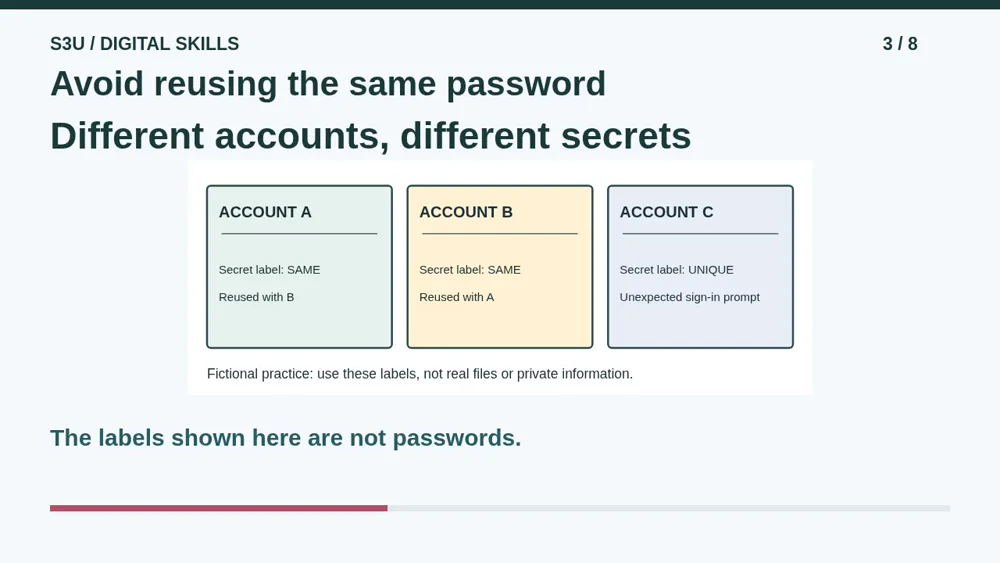
Now imagine accounts A and B reuse one secret while account C has a different one. If the reused password is exposed, it may be tried on both A and B. A reputable password manager can help create and store strong, different passwords. Arrange setup and recovery with a trusted adult, not inside a worksheet.
4. An extra check has its own job
Audio: 1:13
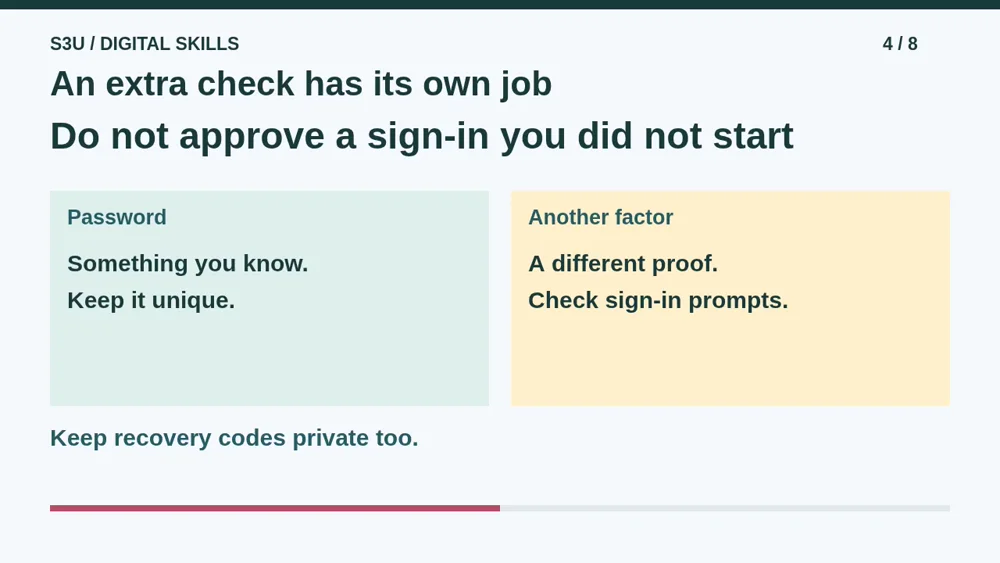
Multifactor authentication adds another kind of proof when signing in. Two passwords alone are still the same kind of factor: something you know. If a sign-in approval appears when you did not start signing in, do not approve it to make it go away. Get help through an official route and keep recovery codes private.
5. Pause: the friendly-looking request
Audio: 1:36
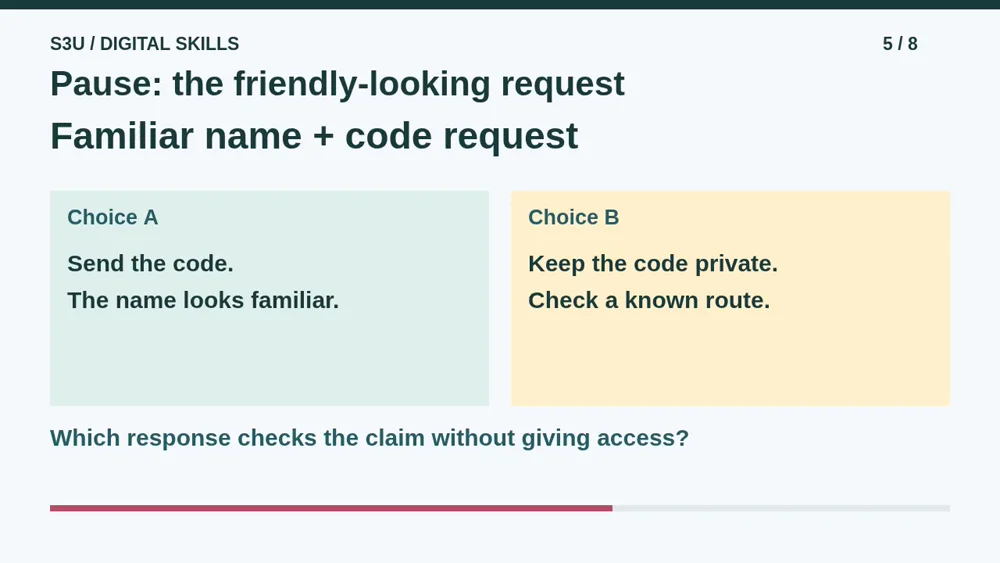
Here is a fresh request with a friendly name and perfect spelling. It asks you to send a sign-in code to confirm your school project. You did not start a sign-in. Pause and choose between sending the code or keeping it private while checking through a route you already trust. Explain which detail actually matters.
6. A familiar label is not proof
Audio: 2:00
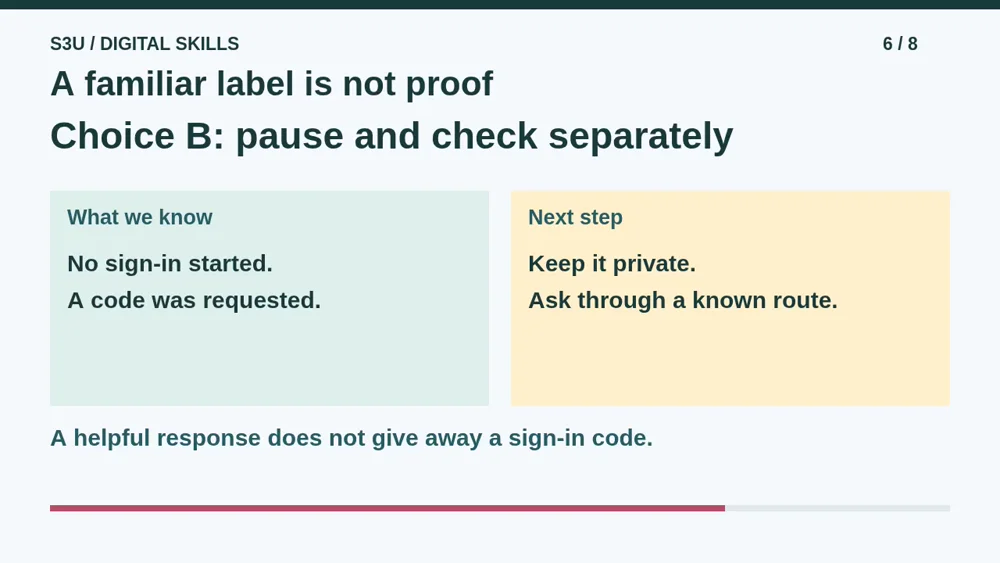
Choose B. Keep the code private and check separately with help from a trusted adult. Neither the friendly label nor correct spelling proves who sent the message. If you already responded, tell a trusted adult promptly and use the service's official recovery help. Getting help is more useful than hiding a mistake.
7. Two passwords are not two factors
Audio: 2:25
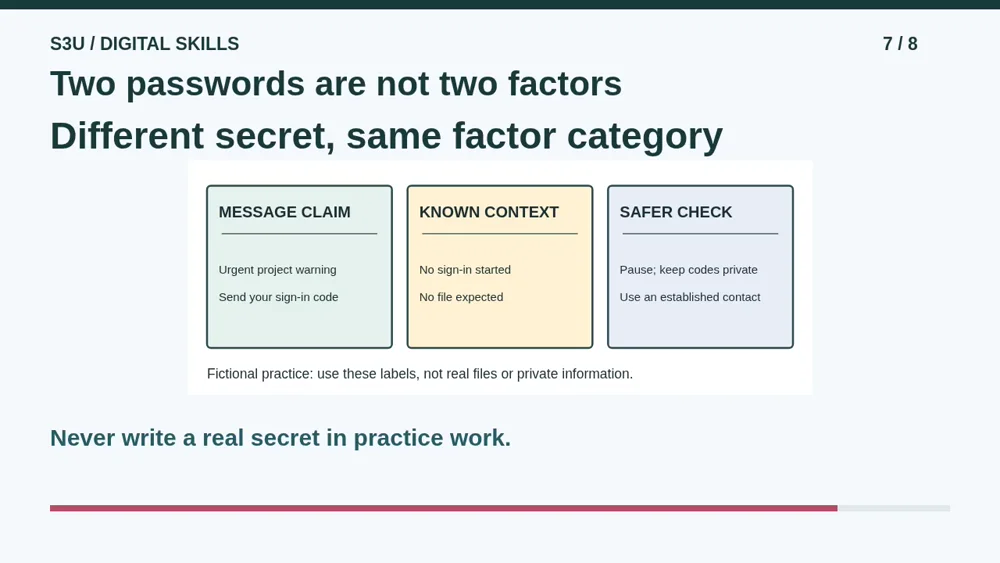
Fun fact: asking for two different passwords does not, by itself, create two different authentication factors. Both are things you know. Another factor adds a different kind of proof. These ideas help explain the controls, but no single feature makes an account invincible. Careful choices and a recovery plan still matter.
8. Continue with fictional messages
Audio: 2:51
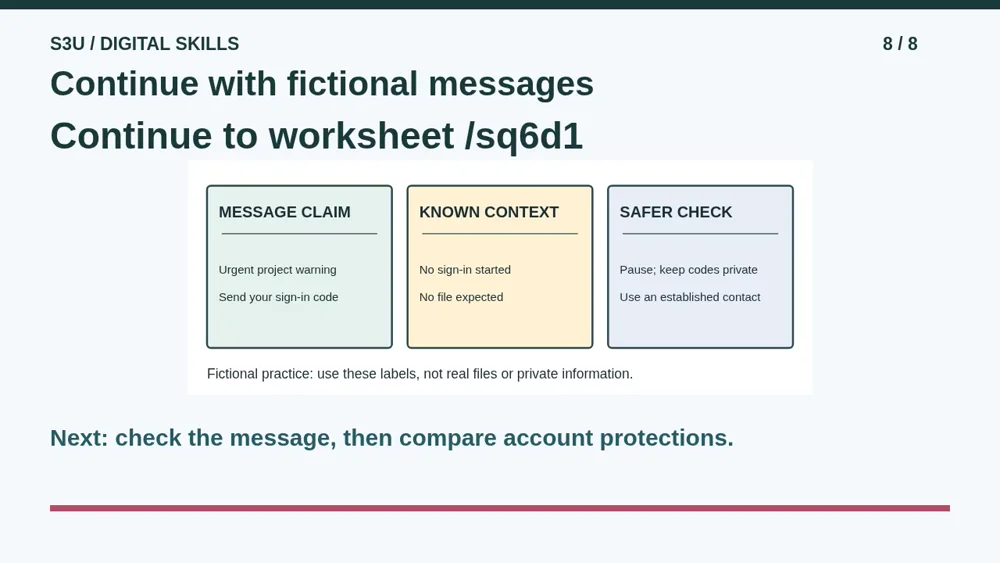
Continue to the worksheet below. Choose a safer response to the invented warning and explain why opening an attachment is not a safety test. Then try Keep Account Protections Separate. Use only the fictional labels printed there. Do not enter a real password, sign-in code, recovery code or private account detail.
Show your understanding
You can point, explain aloud, draw or write.
- Choose a safer response to an unexpected request and name an independent way to check it.
- Distinguish unique passwords, an extra sign-in check and recovery without treating a display name as proof.
Try it yourself
Pause at the friendly-looking code request. Choose a safer response and explain why the display name is not proof.
Continue to the message worksheet, then compare fictional account protections. Never enter real secrets.
Next: your worksheet
Pause and Check an Unexpected Messagehttps://s3u.com/sq6d1
Lesson: https://s3u.com/listen/account-safety