Science / Grade 6
Ship a small change carefully
Learning goal: Follow a paper release plan and match a package to the version that was actually tested.
Before you start: Read a short ordered plan and distinguish a source file from a copy. Use only the pretend examples.
Read or print this lesson What to practiceThe video could not load. The transcript is still available below.
Next: your worksheet
Ship a Change Carefully
Checking sign-in...
Read the transcript
Saved reading place
Video transcript and practice. Reading or printing does not count as playback time or an assessed grade.
1. A small change, a clear trail
Video: 0:00
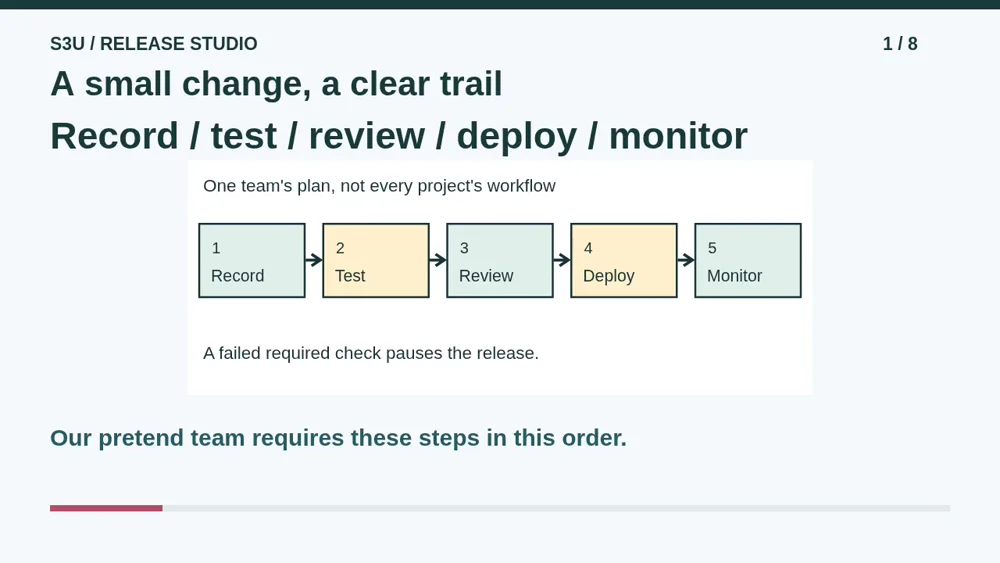
A pretend learning site needs a clearer button label. How can its team make that change carefully? Our paper plan has five steps: record the change, test it, review it, deploy it, and monitor the result. This is one team's simplified plan, not a rule for every project. No real site or account will be changed.
2. Know which version you have
Video: 0:25
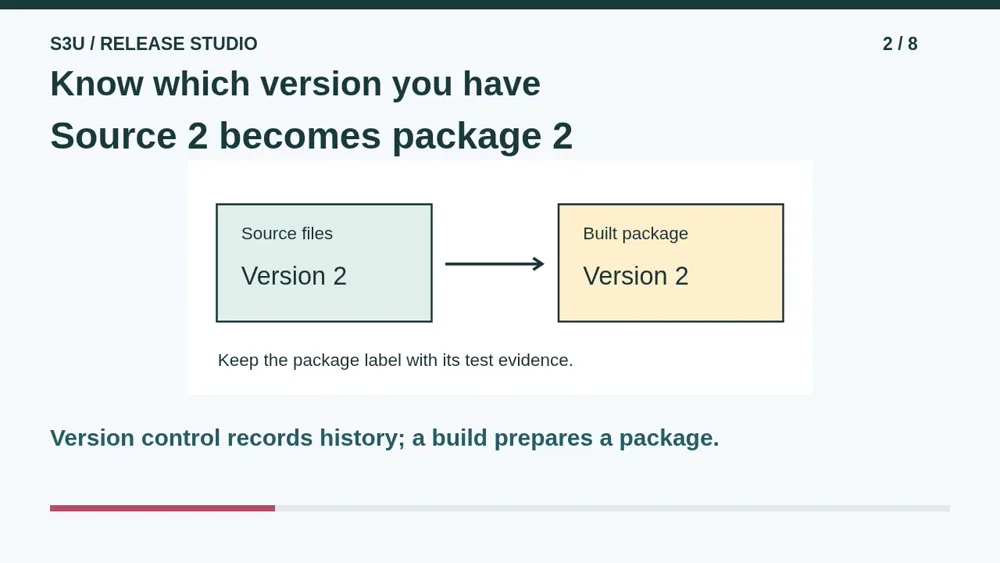
Version control keeps a history people can review. Our team records version two of its source files, with a note about the new button label. A build prepares those files as a package to use elsewhere. The package keeps the label version two. Giving it a confident name like absolutely perfect does not replace checking what is inside.
3. Test a behavior, not a hopeful name
Video: 0:51
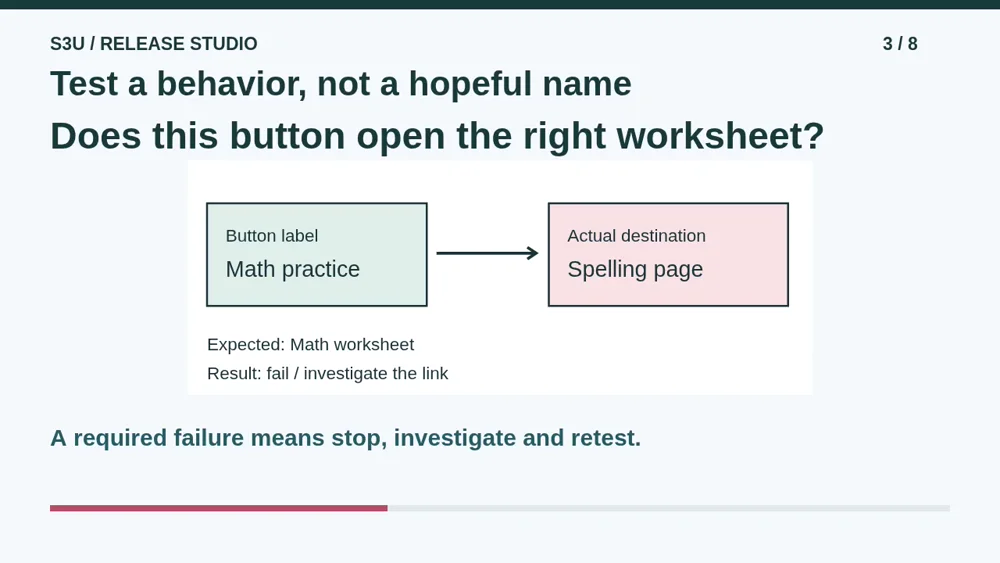
The button should open the math worksheet, but our test finds that it opens the spelling worksheet instead. The label looks right, yet the behavior is wrong. Pause the release, investigate the link, fix the source, build again, and repeat the checks for the new package. Deleting the failed check would hide the problem, not repair the button.
4. Review, deploy, then watch
Video: 1:15
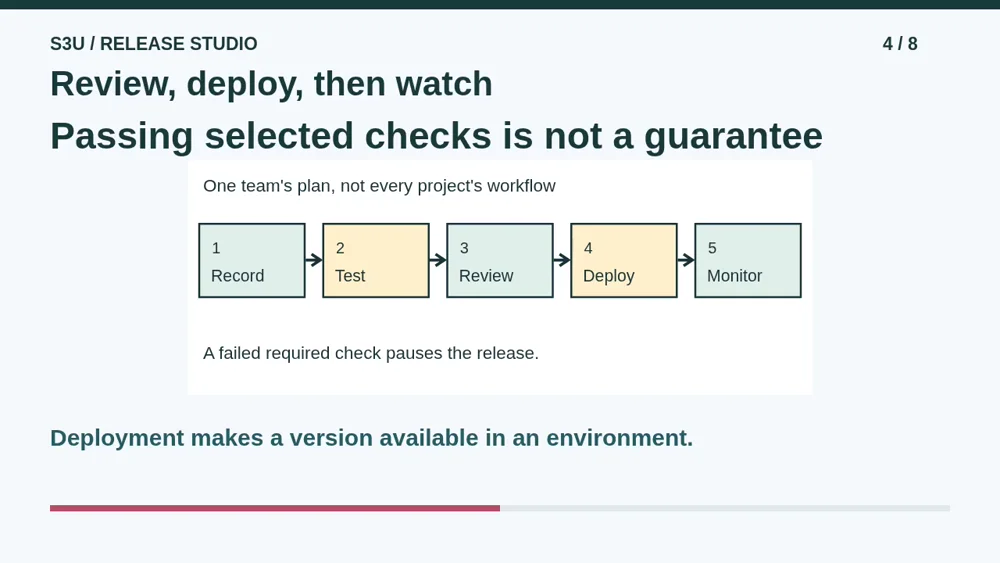
After the required tests pass, a teammate reviews the change and its evidence. Deploy means making the approved version available in a chosen environment. Monitoring checks what happens afterward, such as whether visitors can still open worksheets. A successful deployment does not prove every visitor is having a good experience. New problems can appear in situations our tests did not cover.
5. Pause: which evidence belongs?
Video: 1:45
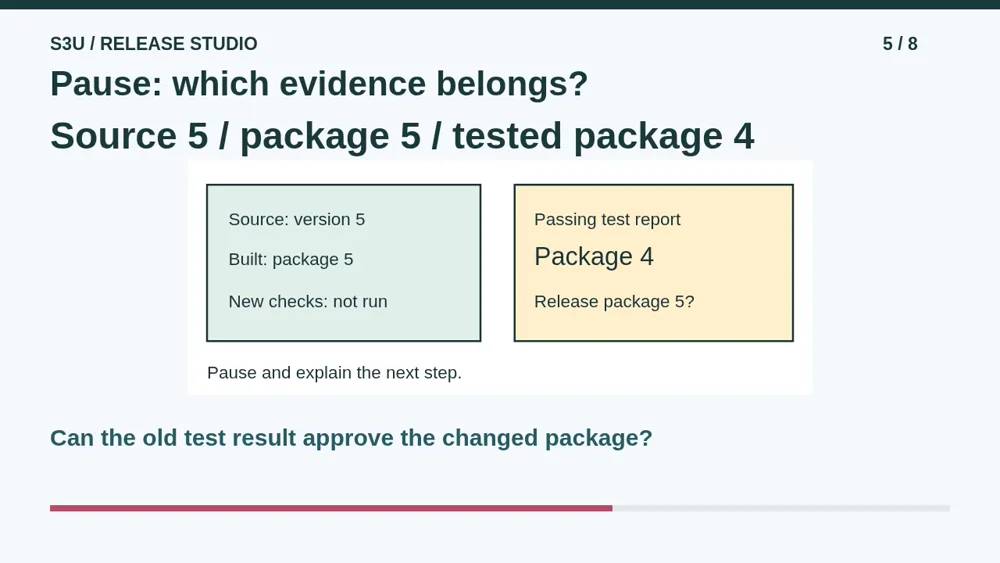
Here is a fresh paper challenge. The source has changed to version five, and package five has been built. The only passing test report belongs to package four. Nothing has tested package five yet. Pause and decide whether that report is enough for our team to release package five. Explain what should happen next before continuing.
6. Check the current package
Video: 2:12
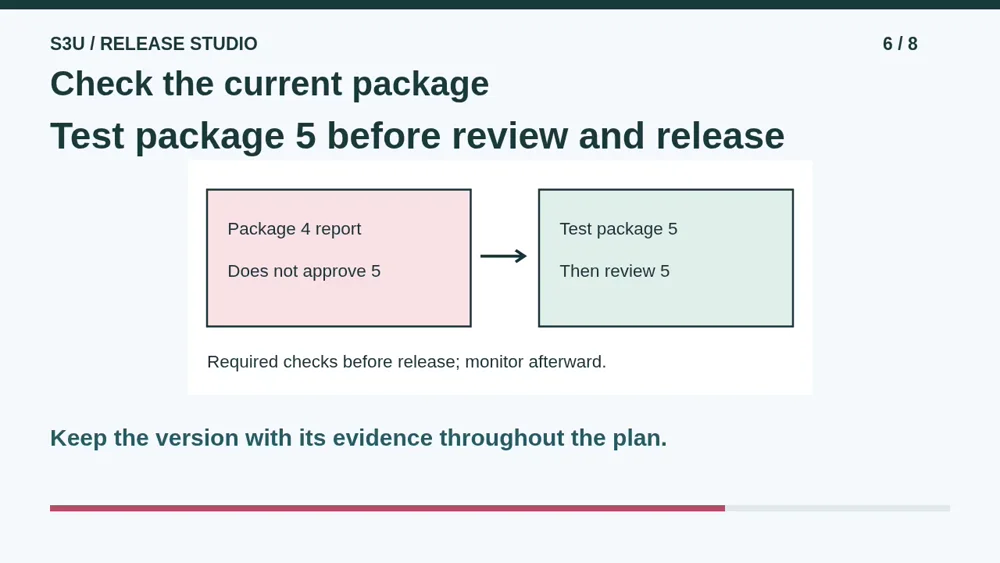
No. The passing report describes package four, not package five. Test package five, investigate any failures, and complete the required review of that version before deployment. Then monitor it. The version labels keep the evidence attached to the thing that was actually checked. This does not promise that the tests will find every possible problem.
7. Old packages do not rewrite themselves
Video: 2:40
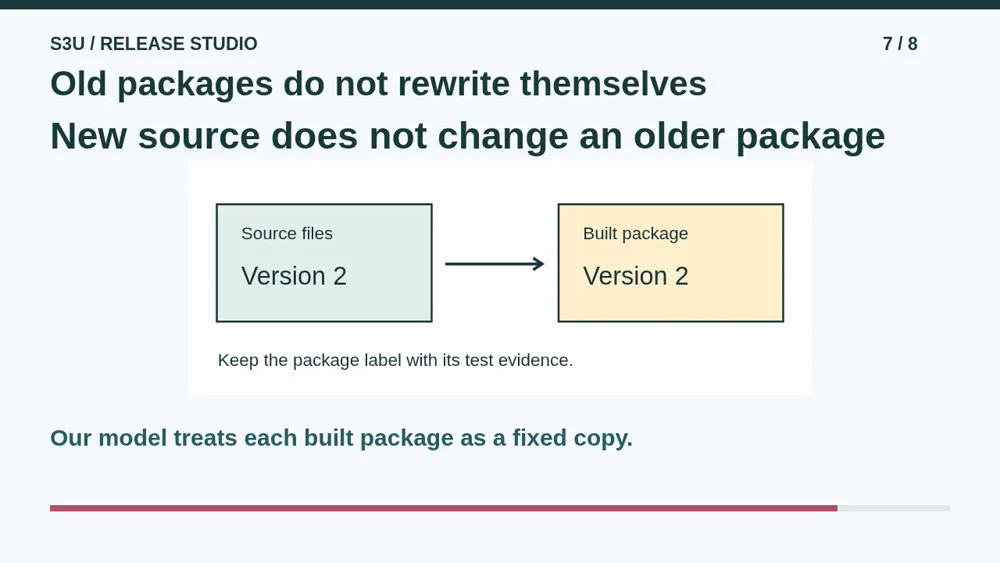
Fun fact: in this model, editing the source does not magically rewrite a package already built from an older version. It is like correcting a recipe after printing a copy: the printed page stays the same. That is why the package and its evidence need matching labels. A sticker saying newest is less useful than knowing which version it means.
8. Make your paper release plan
Video: 3:05
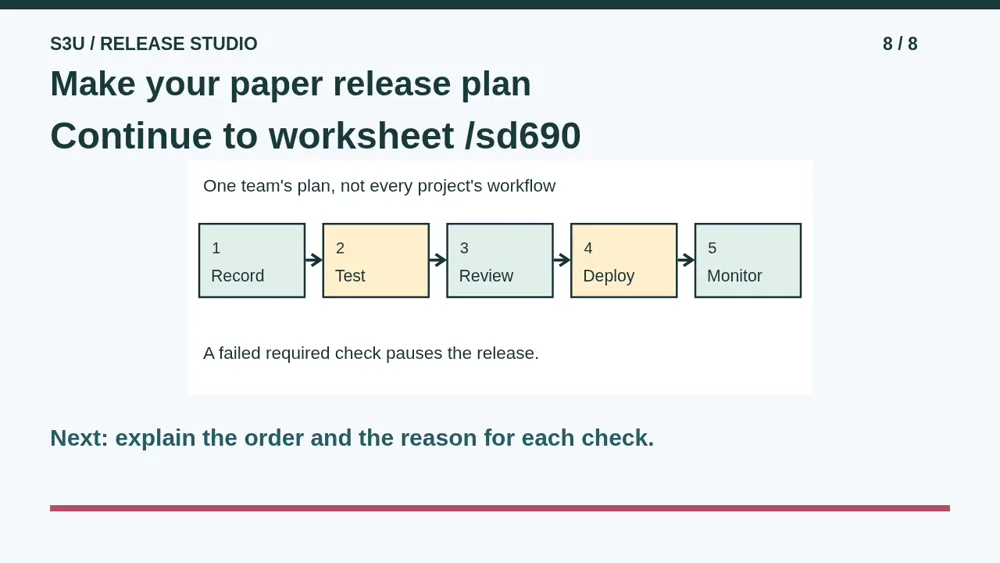
Continue to the worksheet and use its stated five-step plan. Explain why a failed required test pauses a release, and why monitoring still matters after passing tests. You can put the steps on paper or describe them aloud. Release Lab also offers pretend missions to try these ideas. Do not change a real server, account, or website for this lesson.
Show your understanding
You can point, explain aloud, draw or write.
- Explain the purpose of recording, testing, reviewing, deploying and monitoring in the stated workflow.
- Reject an older package report as evidence for a changed package and name the checks that must follow.
Try it yourself
Pause at package 5 with a passing report for package 4. Explain why the changed package needs its own checks.
Continue to the paper worksheet, then try its Release Lab link. No real deployment, credentials or account changes are needed.
Next: your worksheet
Ship a Change Carefullyhttps://s3u.com/sd690
Lesson: https://s3u.com/lessons/ship-a-small-change