Creativity / Grade 2
Turn shapes into pictures
Learning goal: Plan big shapes, add smaller details and explain an original drawing choice.
Before you start: Recognize squares, triangles, rectangles and circles. You may draw, point or describe your plan.
Read or print this lesson What to practiceThe video could not load. The transcript is still available below.
Next: your worksheet
Build a Picture from Shapes
Checking sign-in...
Read the transcript
Saved reading place
Video transcript and practice. Reading or printing does not count as playback time or an assessed grade.
1. Big shapes first
Video: 0:00
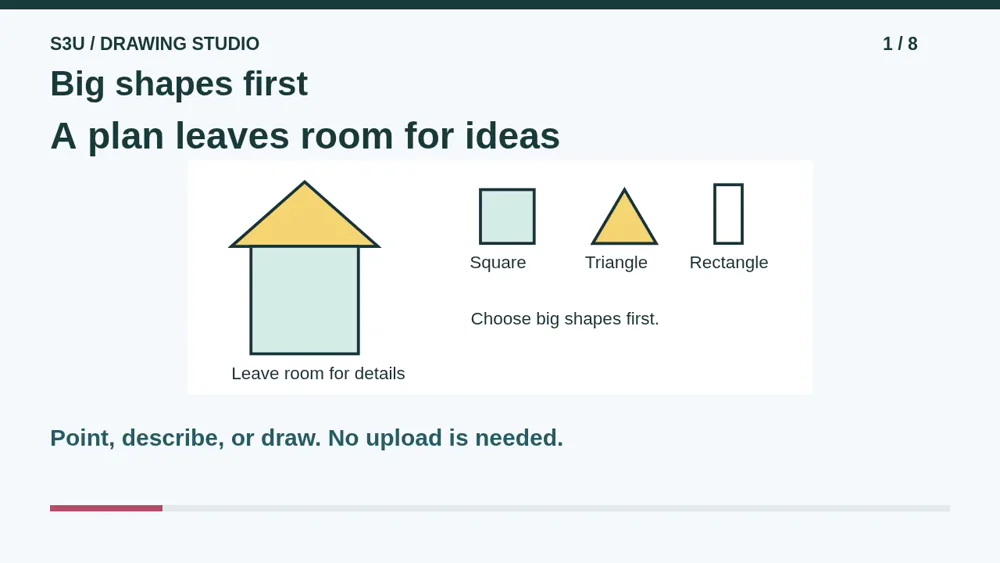
A blank page can feel very big. Let us start with just a few shapes. We will make one pretend house, then try a new picture. You can draw, point, or tell someone what you would do. Your picture does not have to match mine.
2. Place the wall and roof
Video: 0:18
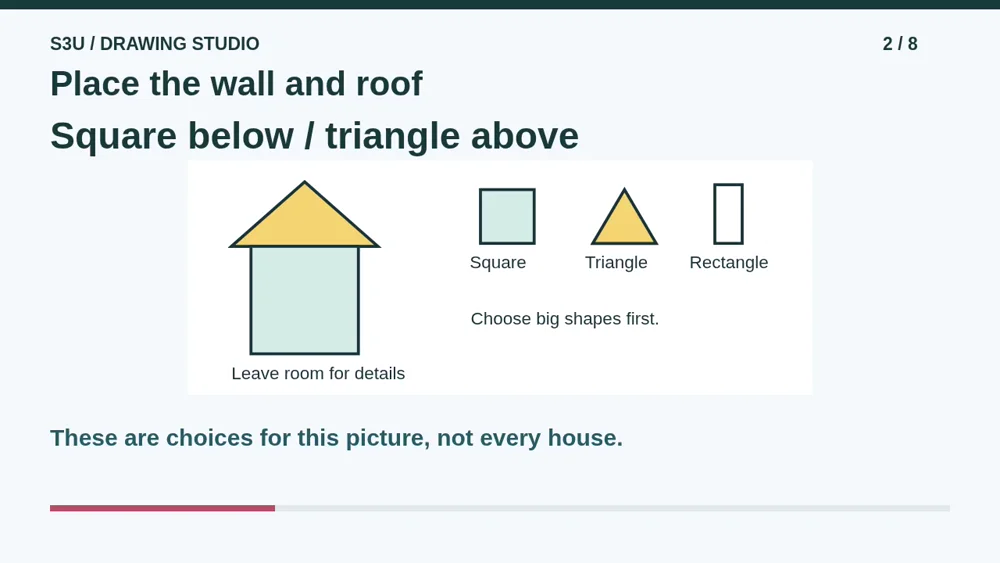
First, place a big square for the wall. Leave space above it. Put a triangle there for the roof. Check the whole page before adding tiny details. This is one way to draw a house. Real houses, and imaginary ones, can have many different shapes.
3. Add smaller shapes
Video: 0:39
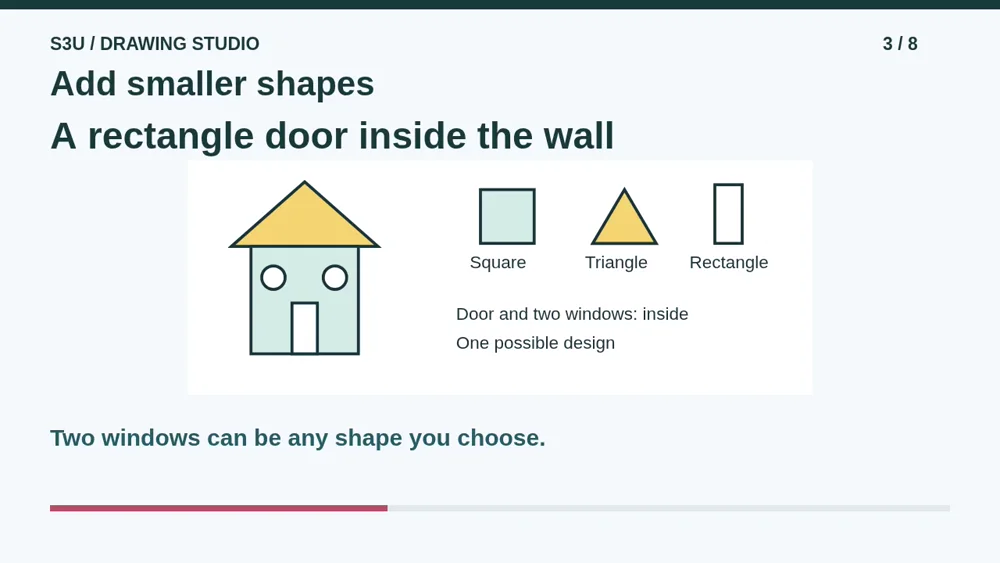
Now add a small rectangle inside the square for a door. Add two windows. I chose round windows, but you can choose another shape. Our big shapes helped us leave enough room. A door bigger than the whole house might need a very surprising visitor!
4. Check one choice
Video: 0:59
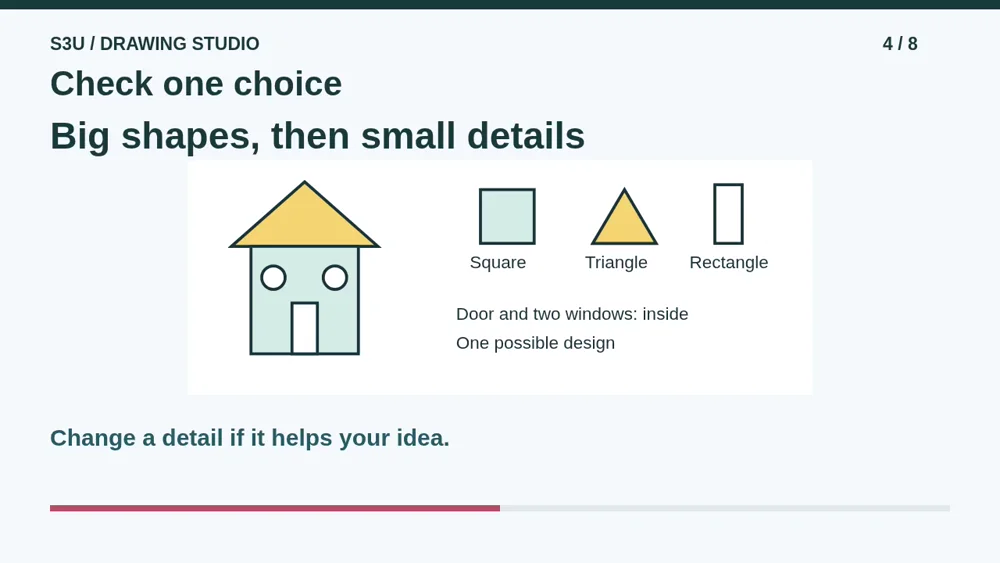
Look again before adding more. Is there room for the door and both windows? If not, you can move a window or make a shape smaller. Changing a drawing is part of making it. You do not need to erase every line that is a little wobbly.
5. Pause: plan a pretend rocket
Video: 1:18
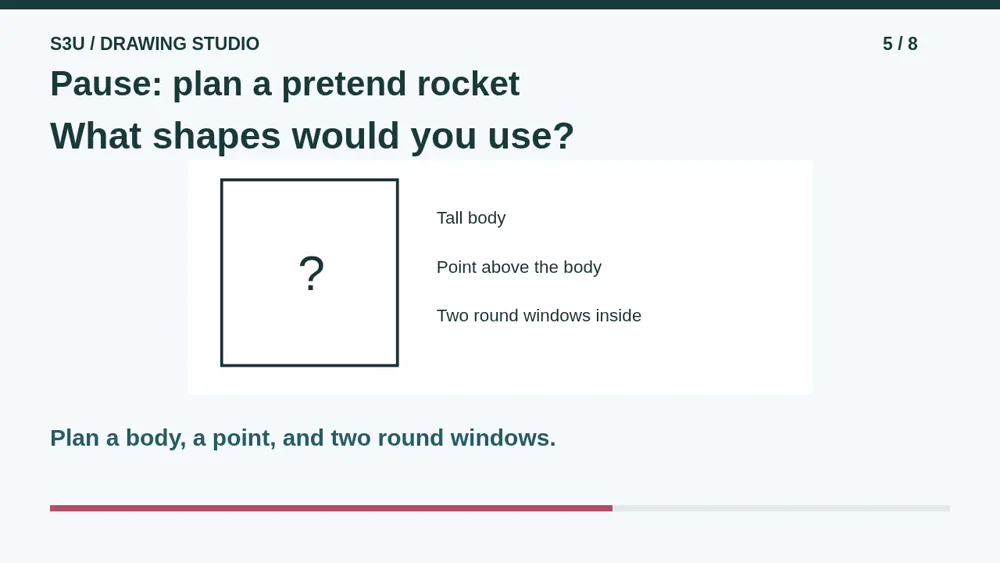
Here is a new idea: a pretend rocket. Pause and plan a tall body, a point above it, and two round windows inside the body. Which shapes could help? You may say the shapes, point to them, or sketch your own plan. Leave room for the small parts.
6. One possible rocket
Video: 1:38
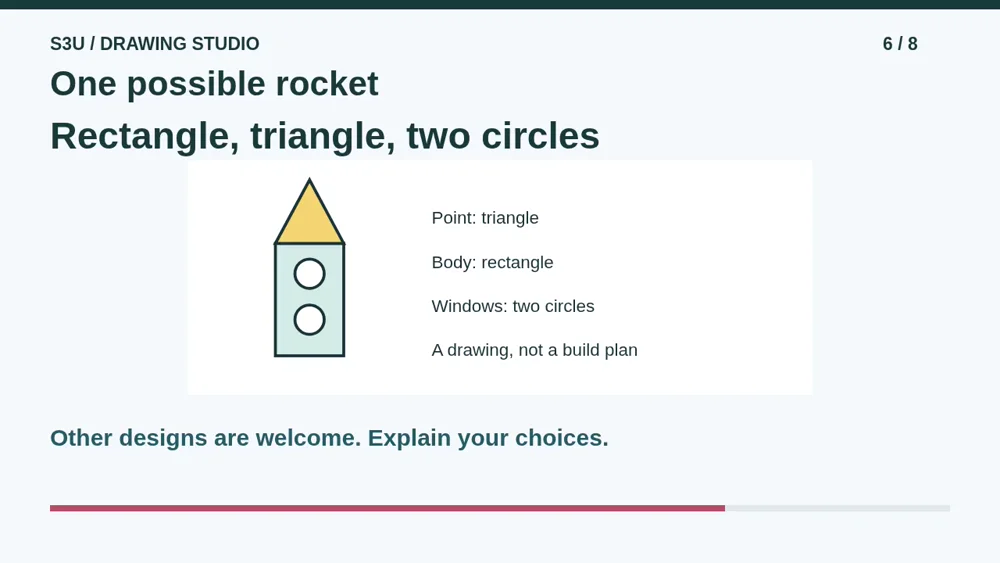
I used a tall rectangle for the body, a triangle above it for the point, and two circles inside for windows. That is one possible answer, not the only good design. Tell someone which shape is the body and where you put the windows. This is a drawing, not a rocket-building plan.
7. The same shapes can change jobs
Video: 2:00
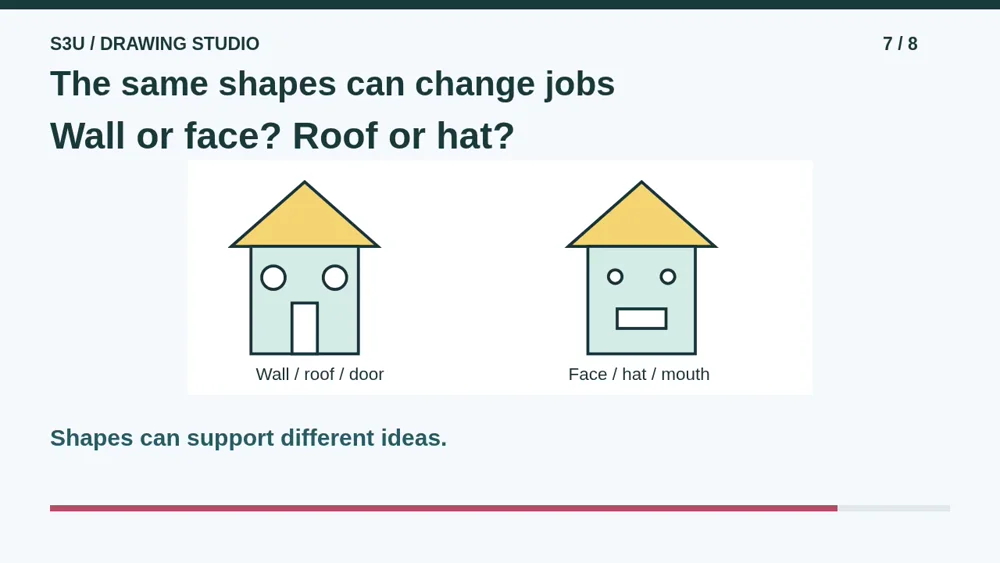
Fun fact: a square, a triangle, and a rectangle can start very different pictures. A square wall can become a face. A triangle roof can become a hat. A rectangle door can become a mouth. The shapes did not need new names to get new jobs.
8. Make your own picture
Video: 2:20
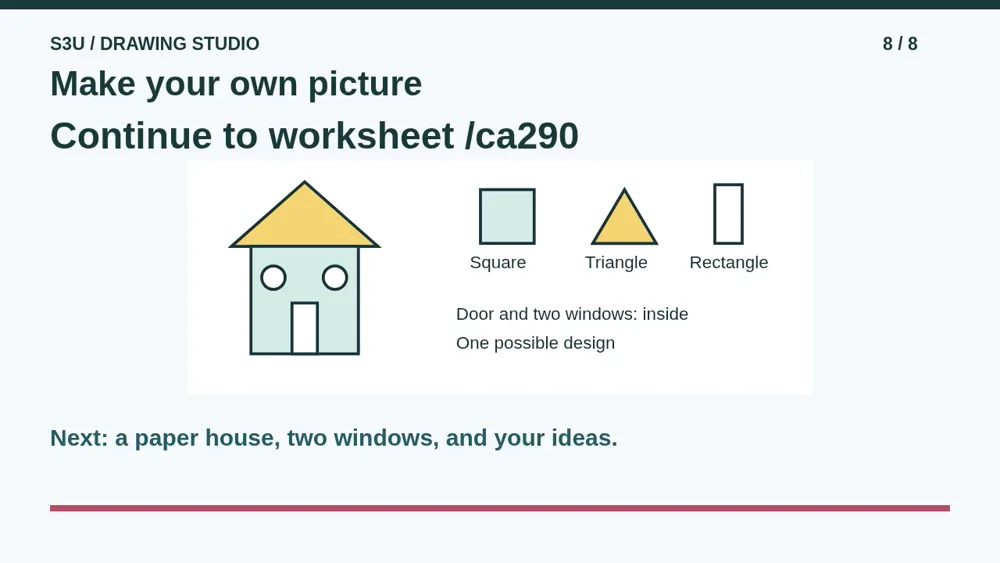
Continue to the worksheet below. Its example uses a square wall, a triangle roof, and a rectangle door. On paper, add two windows and a detail you choose. Point to a big shape and explain one choice. The questions check the example, not whether your picture looks exactly like mine.
Show your understanding
You can point, explain aloud, draw or write.
- Place big shapes before smaller details and explain where the parts belong in a new picture.
- Describe an original detail without treating the example as the only correct design.
Try it yourself
Pause to plan the pretend rocket: a tall body, a point above, and two round windows inside. Say, point to, or sketch your choices.
Continue to the paper drawing worksheet. Explain your shapes and one detail; there is no required art style or upload.
Next: your worksheet
Build a Picture from Shapeshttps://s3u.com/ca290
Lesson: https://s3u.com/lessons/shapes-into-pictures